
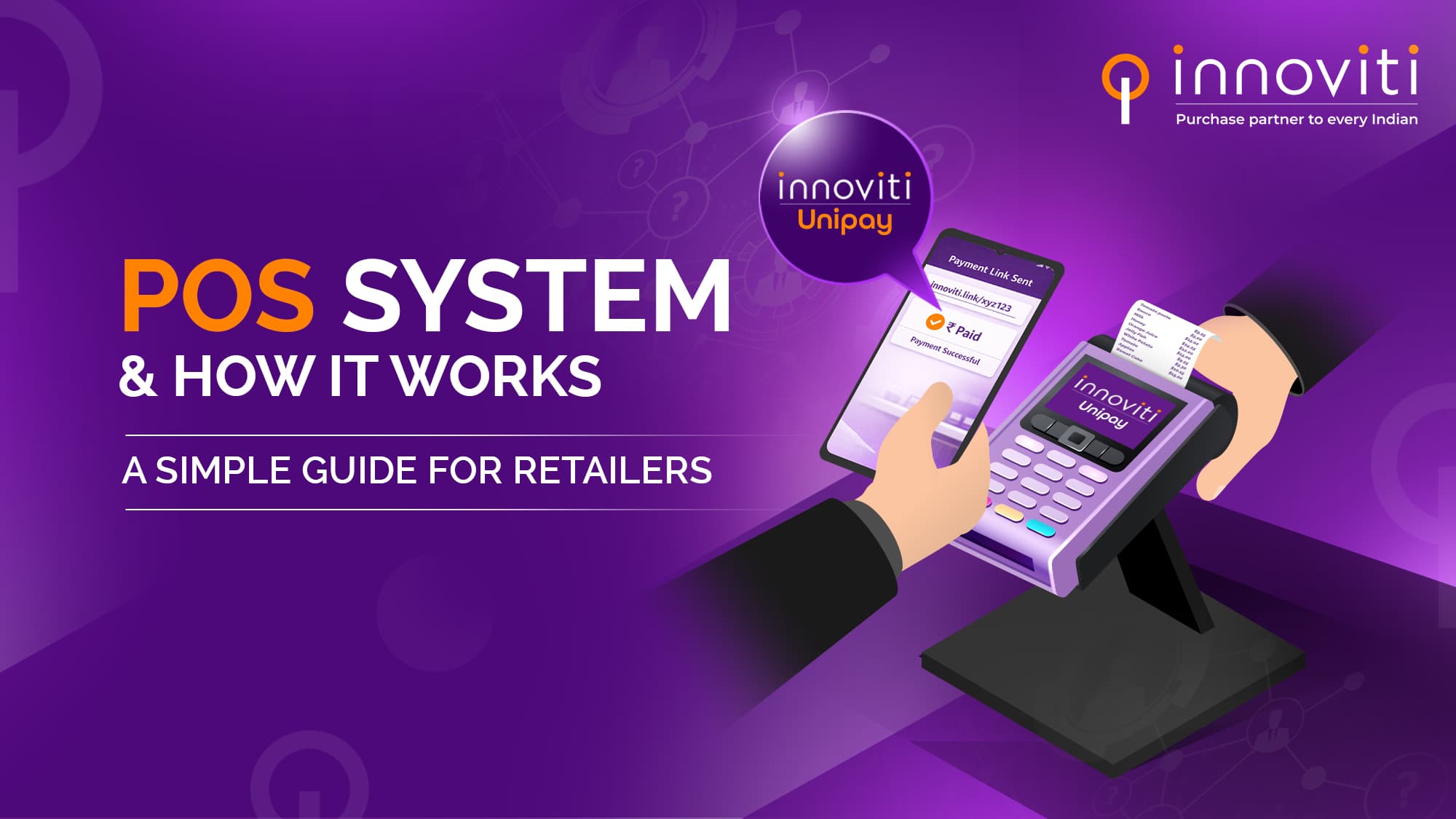
Imagine a very common scenario. A customer comes to your store, picks up a product, and reaches the billing counter.
You ask, “Cash, UPI, ya card?”
He replies, “Card.”
You swipe the card, the machine beeps, a receipt prints, and the sale is done.
That small machine at your counter is called a POS system. But many retailers still wonder:
The POS system full form is Point of Sale system.
It is the place where:
In simple terms, it is the system that helps you complete a customer’s purchase.
Earlier, POS meant only a billing machine. Today, a POS system is much more than that because it combines billing, payments, records, and reports into one setup.
A POS system manages the entire checkout process in a retail store.
It helps retailers:
For modern retailers, a POS system is not just a machine—it is the backbone of store operations.
Understanding how a POS system works helps retailers use it better and avoid confusion.
The cashier enters the product price or scans the barcode.
The POS system calculates the total bill automatically.
The customer selects how they want to pay:
The POS system supports multiple payment options from the same counter.
If it’s a card payment, the card is tapped, dipped, or swiped.
In the case of UPI, the customer scans and pays.
The POS system sends the payment request securely to the bank or payment network.
Once the payment is successful:
This entire process usually takes only a few seconds.
One of the most common questions retailers ask is about POS credit card fees.
When a customer pays using a credit card, the bank or payment provider charges a small fee for processing that payment. This is known as the POS credit card fee.
These fees usually depend on:
While these fees are normal for card payments, having a reliable POS system helps retailers:
Understanding POS credit card fees helps merchants plan pricing and margins better.
Customer payment habits have changed. Cash is no longer the first choice.
Retailers need POS systems because they:
A good POS system also reduces end-of-day stress by automatically tracking transactions.
A modern POS system does more than just billing. It makes payments faster, tracks sales automatically, and gives retailers better control over daily business operations.
POS systems process payments quickly, reducing queues and wait time—especially during peak hours.
From UPI to cards to EMI, a modern POS system supports all major payment modes from one place.
Every transaction is recorded automatically. Retailers can easily track daily, weekly, or monthly sales.
When payments are smooth and fast, customers are more likely to return.
POS systems reduce manual entry and errors, making reconciliation easier.
Not really.
Many traditional POS setups:
As stores grow, they need POS systems that can handle scale, reliability, and multiple payment use cases.
Innoviti UniPay is a payment-centric POS solution designed for modern Indian retailers.
Instead of treating POS as just a billing machine, Innoviti UniPay focuses on payments, reliability, and control.
It helps retailers:
Innoviti UniPay integrates POS functionality with payments, ensuring:
This is especially useful for retailers operating across multiple locations or handling large customer footfall.
Let’s end with a simple question for you as a retailer.
Does your current POS system only print bills?
Or does it actually help you sell better, collect payments smoothly, and stay in control?
Today, a POS system is no longer just about completing a transaction.
It’s about:
This is where Innoviti UniPay makes a real difference.
In fact, with Innoviti UniPay, you will be able to:
So the real question isn’t what is the POS system full form.
The real question is:
Is your POS system ready for the way customers want to pay today and tomorrow?
If you are planning to upgrade from basic billing to a smarter, payment-first POS system, Innoviti UniPay is built to support that next stage of growth. The right POS system not only completes a sale but also helps your business move forward.