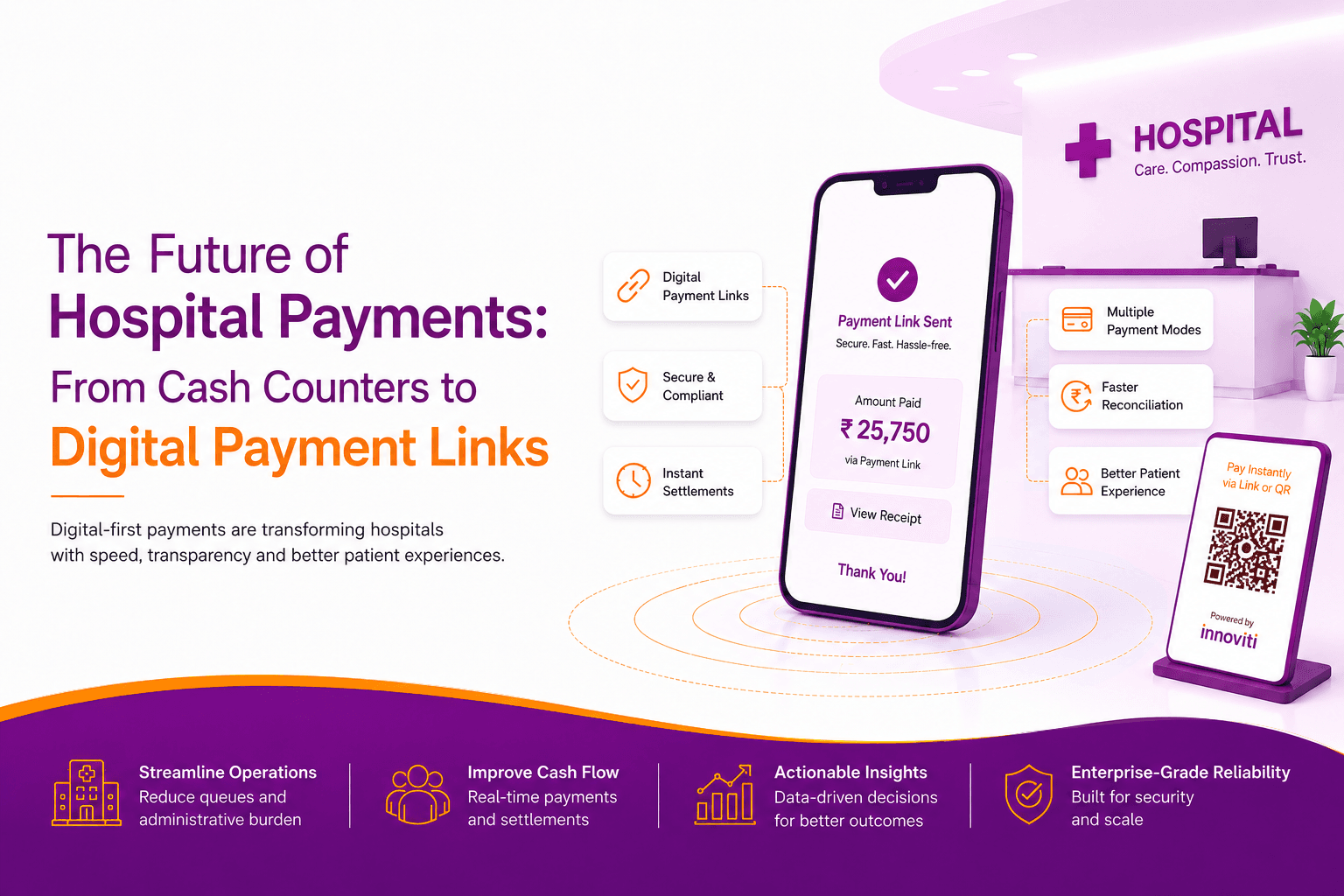
The Missing Link Between Better Patient Care and Better Healthcare Payment Solutions
Read MoreJul 16, 2026

RBI-authorized. Payment links sent via WhatsApp. Settlement in 15 seconds.
innoviti link is an RBI-authorised payment collection app that enables hospital billing teams to send secure payment links to patients or their families via WhatsApp. Patients can pay using UPI, credit card, or EMI from anywhere, without visiting the billing counter. With zero MDR, instant settlement in 15 seconds, and no POS hardware required, innoviti link simplifies collections from day one.
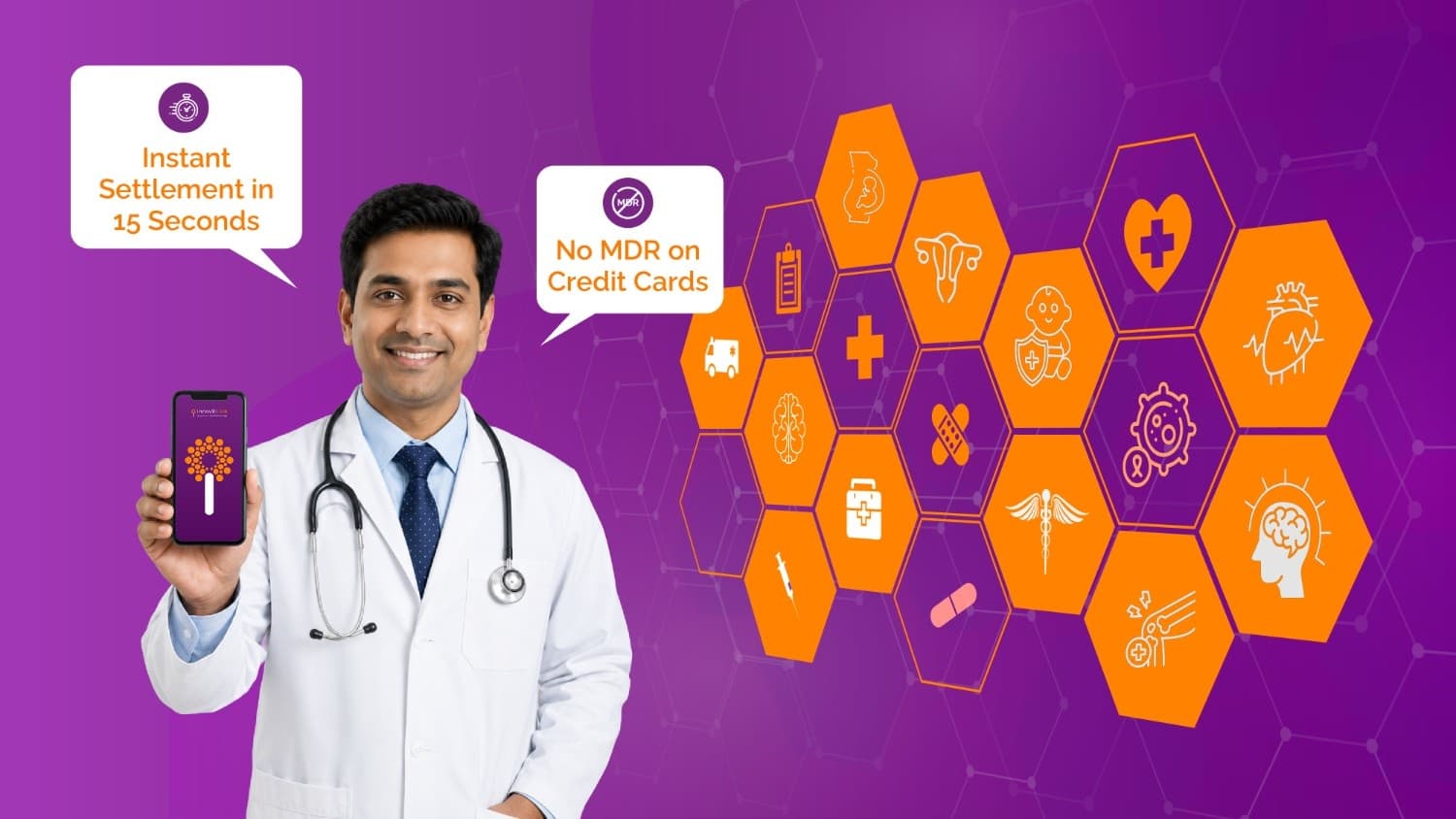
There is no hardware to install and no app for the patient to download. The billing desk needs a smartphone or computer. The patient needs a mobile number. The process includes three steps:
The billing staff member opens innoviti link on his smartphone or laptop, enters the patient's mobile number, and the amount to collect.
A secure payment link is sent to the patient's WhatsApp via innoviti link's verified blue-tick business account. The link displays the hospital's name and the payment amount.
The patient or family member opens the link and selects how to pay - UPI, Credit Card, or EMI across 3 or 6 months on an eligible credit card. Payment settles to the hospital's account within 15 seconds.
Send a secure payment link before the patient reaches the billing counter. Complete the registration payment in advance, reduce waiting time, and make the registration process faster.
Discharge bills are sent to the patient's family member's mobile. Payment cleared before the patient leaves the ward; no cash handling at the discharge counter.
Pharmacy and diagnostic charges collected through the same platform as hospital billing. Every transaction is logged under the patient's reference in a single dashboard.
Co-pay amounts are sent directly to the patient's or family member's mobile number. Payment is completed by card or UPI while the insurance claim is being processed in parallel.
Latest insights, updates, and thought leadership from the Innoviti team